
Design once. Your machine makes it.
Bring a prompt, your artwork or a trend. Patterns draws the design in your house’s look and writes the file each machine runs.
01
Design from anything
A prompt, a sketch, a logo or a live trend. Mathical 1.0 draws it in your house’s look before any engine runs.
02
Refine until it’s right
Colour, motif, scale and repeat — change what you need and keep the rest.
03
Download the machine file
The engine for your technique writes the file in your machine’s own format.
Put Patterns to work
Whatever you make, the design ends as the file your machine runs.
From idea to the factory floor
Pick the technique, the machine and the fabric, describe the design, and download the file. Nothing is redrawn between the design and the machine.
- 01Pick technique
- 02Pick machine
- 03Pick fabric
- 04Describe
- 05Download
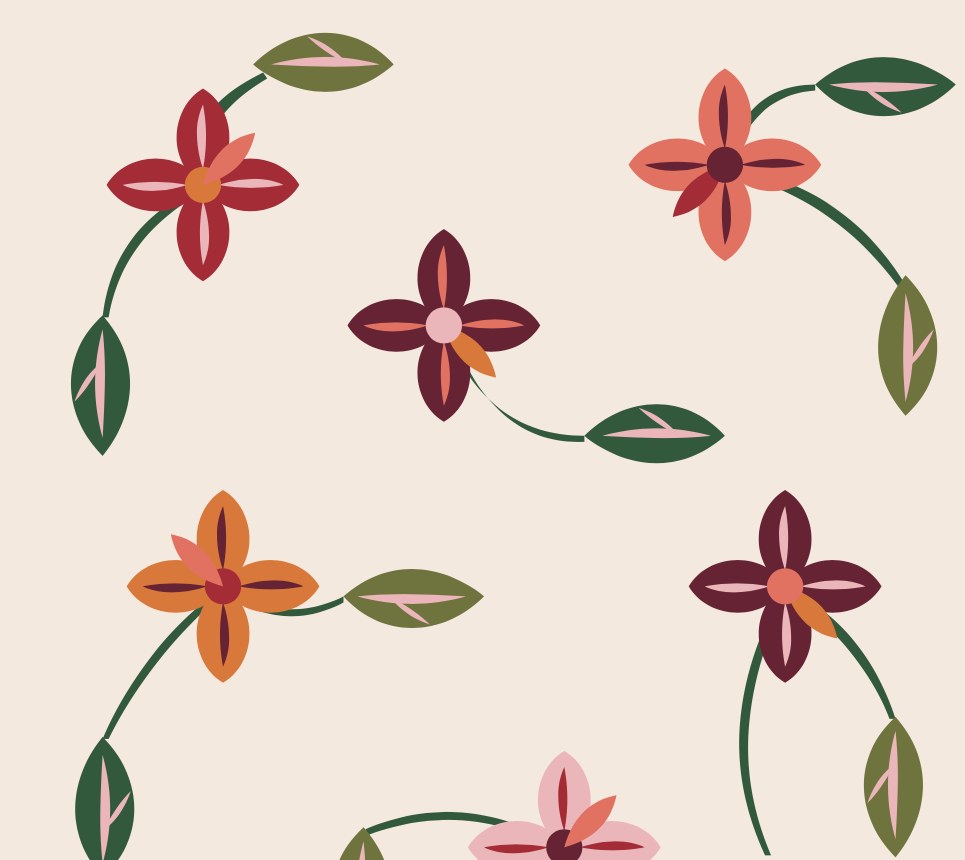
A scattered floral print with curling vines — red, coral, plum and orange flowers on blush.
Every design, its machine’s own file
Each engine turns every design into the file its machine runs.
Patterns
From imagination of a design to a machine-ready file.
Inside Patterns
Mathical 1.0
The model that draws the design from your brief, in your house’s look, from named parts — before any engine runs.
Read moreEight engines
Print, embroidery, weave, knit, quilt, pattern cut, schiffli and embellishment — each writes its own machine’s file.
Read morePattern3D
Coming soon. It will sew the cut pieces into the garment and drape it on a body with the fabric’s physics — walking and running — before anything is cut.
Read moreChange the way you make
01
You don’t need a digitiser on call.
Stitch plans, weave maps and knit programs are worked out for you, for the machine and the fabric you chose.
02
You keep the final say.
Every design can be refined before its file is written, and nothing reaches the floor without your download.
03
You don’t start over.
Your house’s look carries from one design to the next, across every technique.
04
Every file is native.
Each engine writes the format its machine reads — never a renamed export from another one.
I run an embroidery unit and I need a left-chest logo.
I run
I need
I need a left-chest logo for my embroidery unit.
Frequently asked questions
What is Patterns?
Which techniques does it cover?
Do I need CAD or digitising skills?
What is Pattern3D?
How much does Patterns cost?
Don’t know where to start? Describe it.
Patterns starts from your words — a motif, a garment, a mood.